What happens to issued rewards when you edit a reward
Audience: Marketers and admins
When a reward is issued to a customer, HighAdvocacy saves a copy of its values with that customer’s reward. From then on, editing the reward in the catalog changes future rewards only. A customer who earned 100 credits gets 100 credits, even if you change the catalog reward to 150 credits an hour later.
You can change rewards on live campaigns without changing what people who already earned one get.
What is saved with each issued reward
Each issued reward keeps:
- The reward type, value, and (for gift cards) currency.
- The name and the description customers saw.
- For custom rewards, the Field name and Display label.
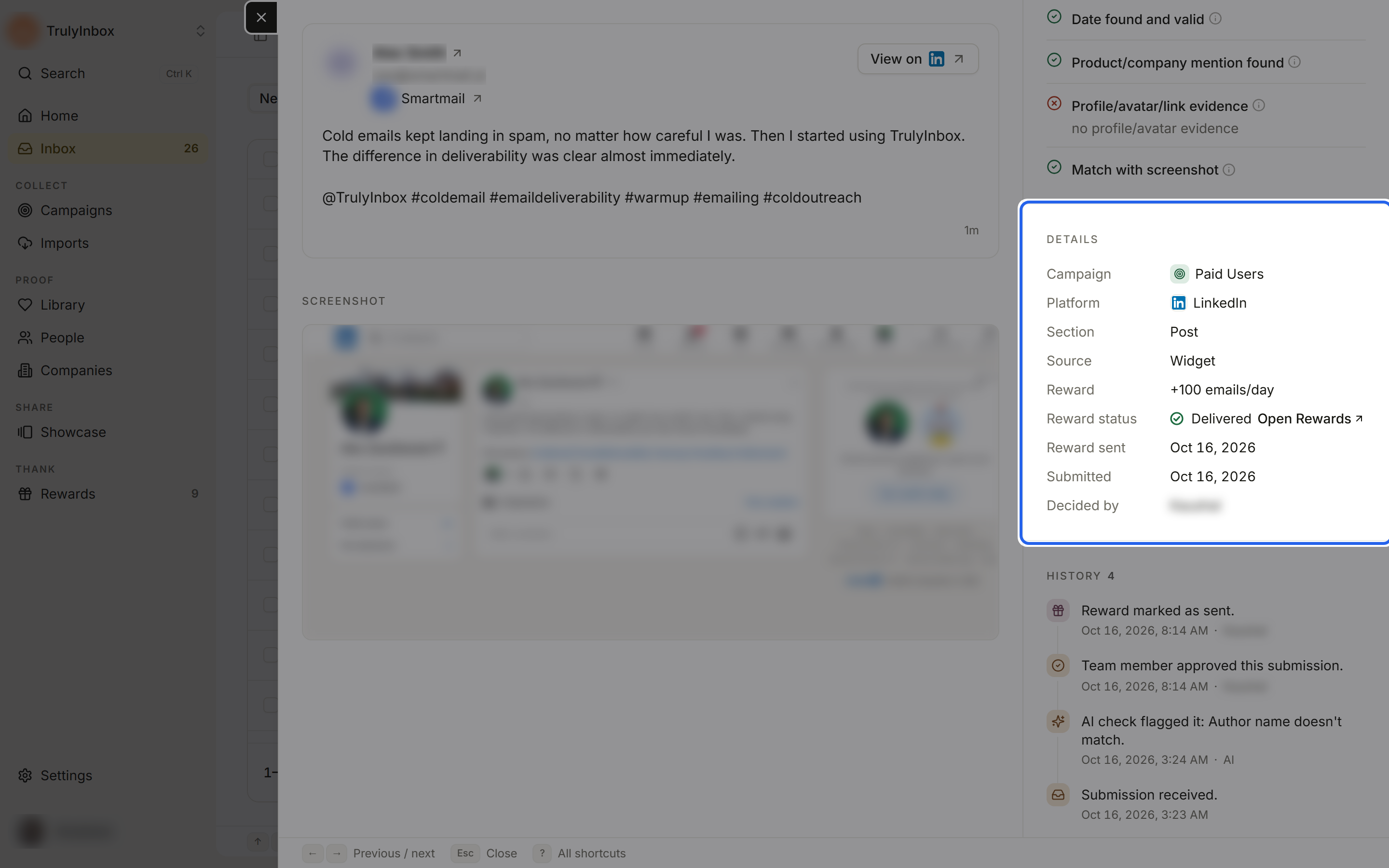
Activity, the reward’s panel, and the data sent to your reward connection all use these saved values. You can’t edit them after the reward is issued.
Retries send the original values
When you retry a failed reward, it sends the saved values, not the current catalog values, even if you have changed the reward’s value since. If the send failed because of the connection itself, fix the connection under Delivery first, then retry. See Delivery. The reward’s panel in Activity shows where it was sent under Technical details.
If you want a customer to get the new value instead, handle it outside HighAdvocacy rather than retrying.
Editing a reward that is in use
If a reward is on at least one campaign and you change its category, value, currency, field name, display label, delivery type, or connection, the catalog asks you to confirm:
Change a reward that is in use? This reward is on N campaigns. New values apply to future rewards only. Rewards already sent keep their old values.
Changes to the name, descriptions, icon, or extras save without this prompt.
In the campaign builder, a live campaign shows a similar note under each ask’s reward: “New submissions get this after you save. Earlier ones keep their reward.”
Value history
Each reward’s page has a Value history section on the right once its value has changed. Each entry shows what the reward was before a change (for example “Was 3,000 Additional Emails Every Month”), its type, label and field name, the date, and who made the change. The latest 5 changes show, followed by a count of earlier updates.
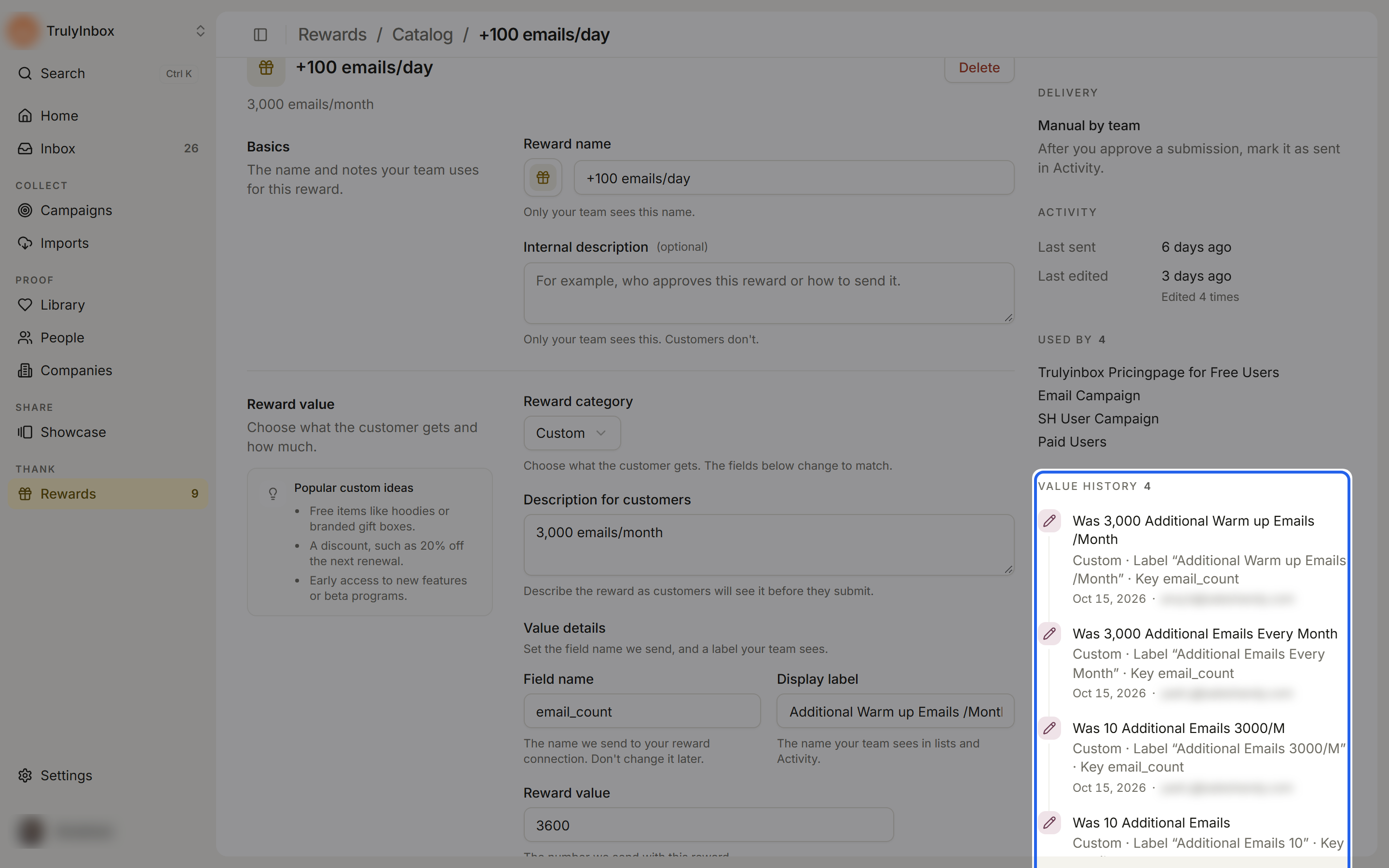
Use it to check what customers who submitted last month earned. Changes to the name and descriptions are not listed.
Where customers’ rewards show
- Inbox: the Reward column shows the reward each submission earned.
- Submission details: the Reward, Reward status, and Reward sent facts, with an Open Rewards link.
- Activity: each issued reward with its saved values.