Sync new reviews every week with connected sources
A connected source is a review profile that HighAdvocacy checks every week. New reviews that meet your rules are imported for you.
Before you start
- Only review profiles can be connected: G2, Capterra, Trustpilot, TrustRadius, Google Maps, and Chrome Web Store. Website pages and social posts are one-time imports.
Connect a source
There is no separate connect step. You turn sync on while importing a profile:
- Start an import from the web with your profile link.
- Turn on Check for new reviews every week (on the Imports page) or Keep this in sync (on the picker page).
- Choose a Minimum rating.
- Fetch, select, and import as usual. On the Confirm step you can tick Also tag new testimonials from this source to tag future reviews too.
That run imports the reviews you selected and connects the profile for weekly checks.
Find your connected sources
Once a profile syncs, Imports shows a Syncing sources table with the columns Source, Rule, Imported, Last sync, and Next. Each row’s menu has Pause sync or Resume sync.
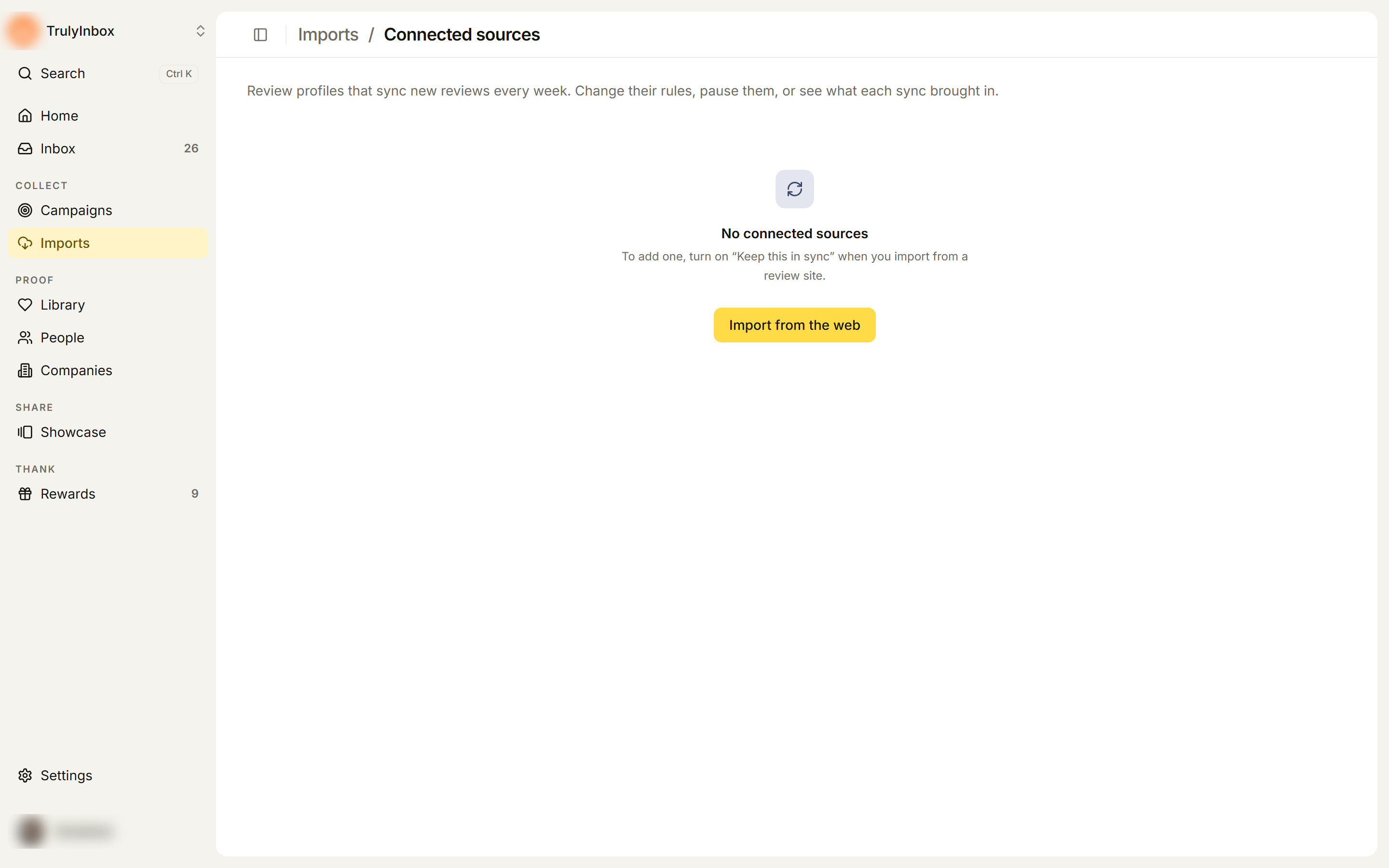
Click Manage sources to open Connected sources (Imports › Connected sources). If nothing is connected, the page reads No connected sources with a shortcut to Import from the web.
What each source shows
Each source card shows the platform name, a status, and the profile link, plus:
- Last sync: when it was last checked, or Not synced yet.
- Imported: how many reviews it has brought in.
- Next sync: when the next check is due.
- Rule: the minimum rating.
- Tags: tags added to new reviews, if any.
Click Sync history to see each past sync with how many reviews were fetched, imported, skipped, and failed. Click a sync to open its result.
Change the rules
- On the source card, click Edit rules. The Edit import rules dialog opens.
- Set the Minimum rating with the stars.
- Add or remove Tags for new reviews.
- Click Save rules.
The new rules apply from the next weekly check. Reviews already imported are not changed.
To pick a rating:
- 4 stars and up (the default) suits most teams.
- 5 stars only keeps the Library tight if imported proof goes straight to public pages.
- Lower settings bring in mixed reviews, which is useful for internal reporting.
Weekly syncs import reviews without a Select step, and imported proof is not verified. Scan new imports in the Library before you use them publicly.
Pause, resume, or disconnect
A source is Active, Paused, or Disconnected.
- Pause stops weekly checks but keeps the connection. Click Resume to start again.
- Disconnect (in the card’s ⋯ menu) stops the source. Confirm in the Disconnect this source? dialog: “Weekly syncs stop. Imported reviews stay in your Library.”
- A disconnected source shows Reconnect to turn it back on.
Pausing or disconnecting never removes reviews you already imported, or their People and Companies.
How the weekly check works
- Checks run once a week. You can’t change the schedule.
- Only reviews that meet the minimum rating are imported. Others count as Rule skips on the sync’s result.
- Reviews you already have are skipped as duplicates.
- To get new reviews before the next check, run a one-time import from the web on the same profile. Duplicates are skipped, so it is safe.