Tag, update, and export people in bulk
Select rows on the People or Companies page to act on all of them at once. You can add a tag, set a relationship, or export a CSV.
Select rows
- Open People or Companies. Filter the list first if you want a specific group. See Browse, filter, and save views.
- Tick the box next to each row you want. You can also move with
↑and↓and pressSpace. - To select the whole page, tick the box in the header.
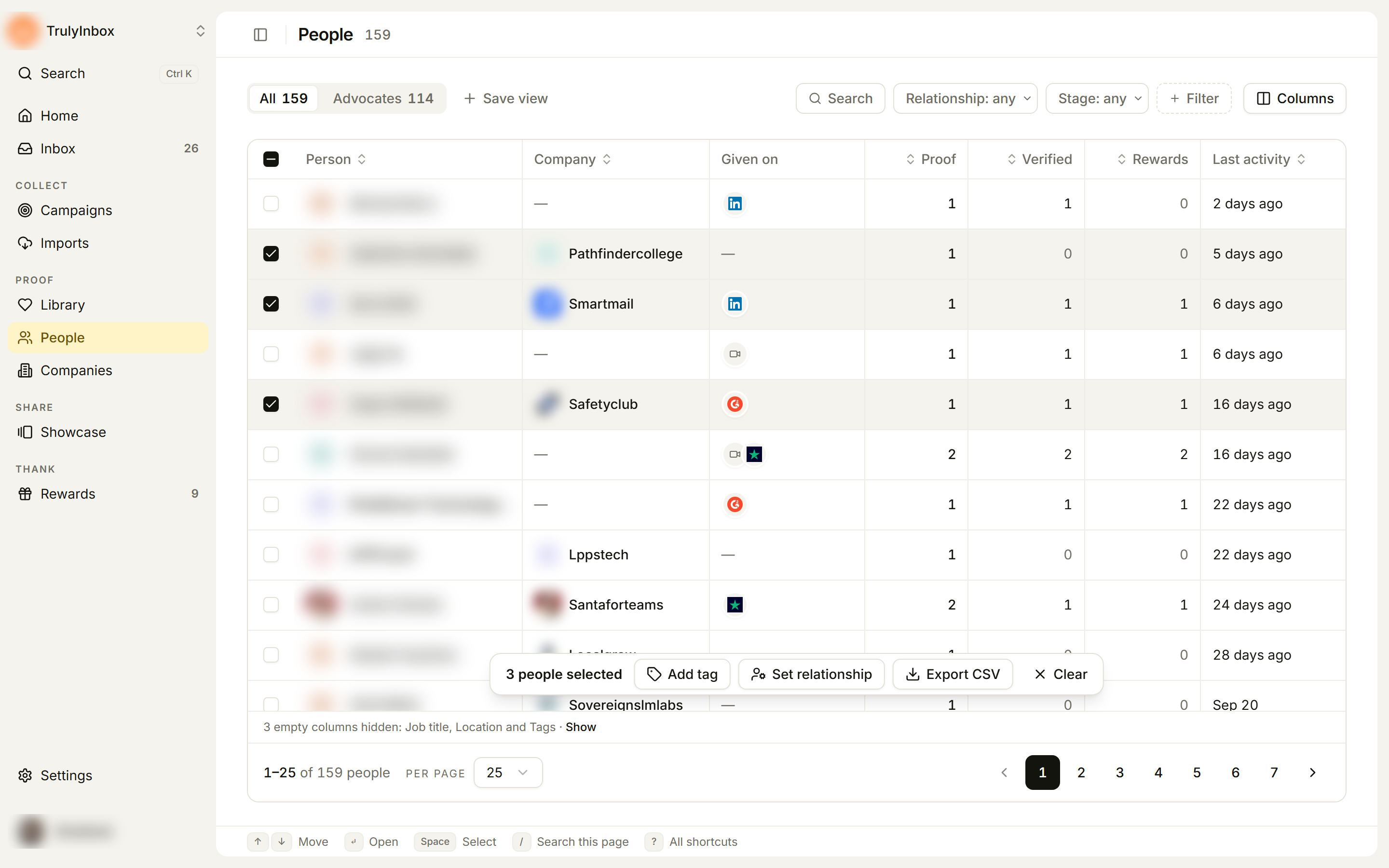
A bar appears near the bottom of the list with the count, for example 3 people selected, and the bulk actions.
Select everything that matches
When every row on the page is selected, the bar shows Select all {N}. Click it to include every row that matches your filters, across all pages. The bar then reads, for example, All 114 people selected.
Ticking or unticking a single row goes back to selecting only the rows you ticked. Click Clear to unselect everything.
Add a tag
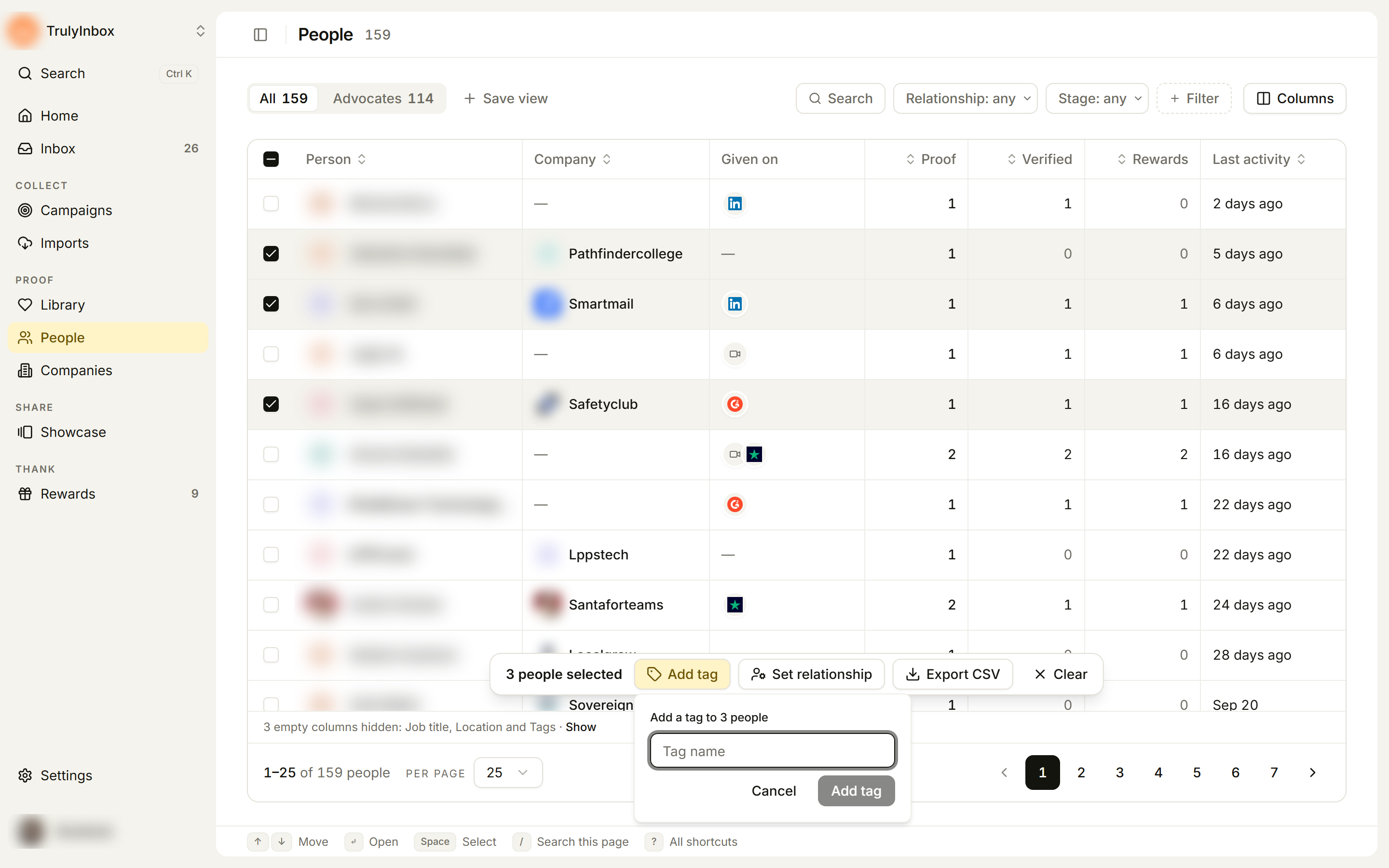
- Click Add tag in the bar.
- In Add a tag to {N} people, type a Tag name.
- Click Add tag, or press Enter.
The tag is added to every selected row. Existing tags stay.
Set a relationship
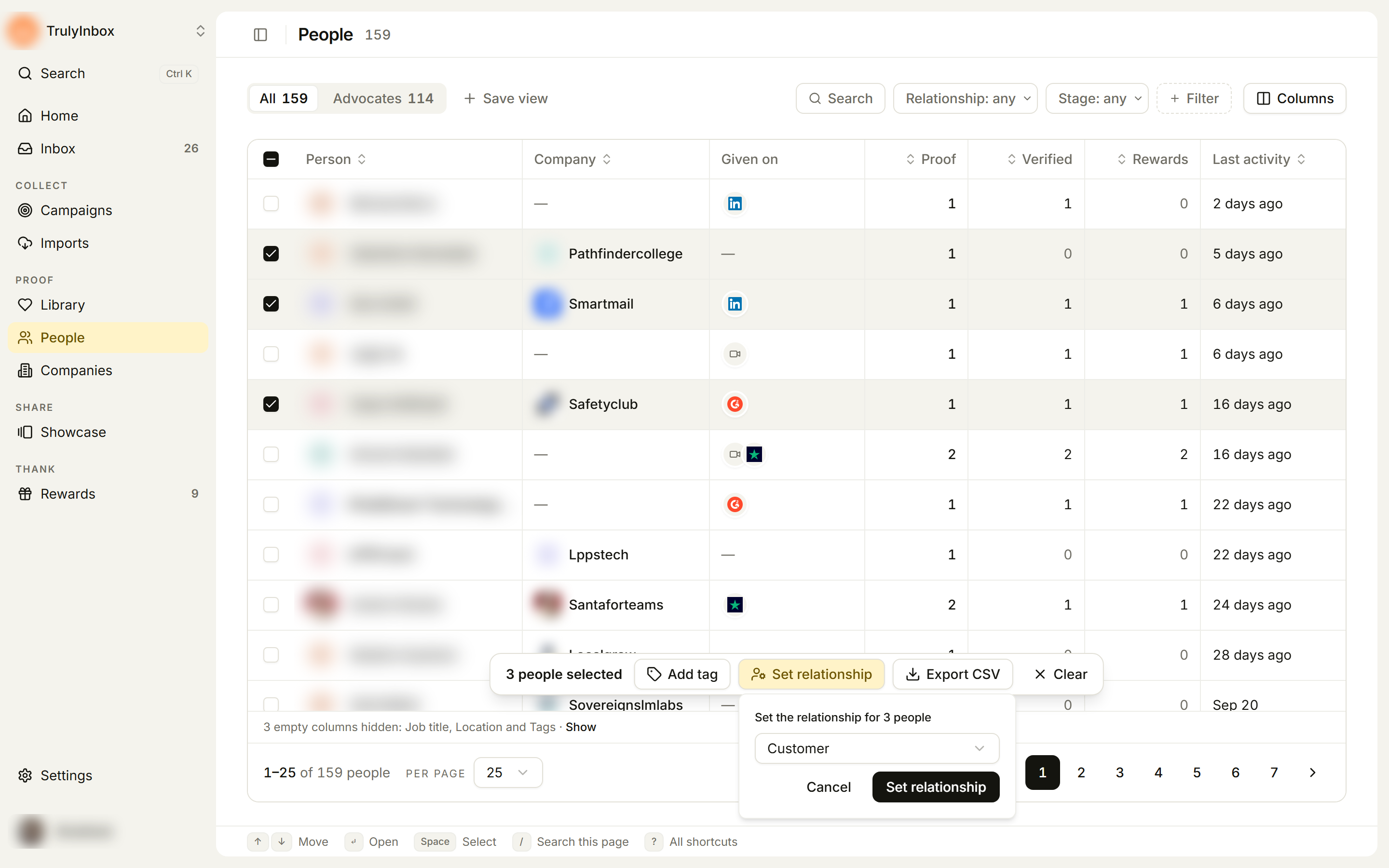
- Click Set relationship in the bar.
- In Set the relationship for {N} people, pick a relationship (it starts on Customer): User, Customer, Employee, Partner, Vendor, Influencer, or Other.
- Click Set relationship.
Export a CSV
- Click Export CSV in the bar.
- Wait for Export ready. Your browser downloads
people.csv(orcompanies.csv).
The file has one row per selected person or company, and one column for each column in your table layout. To change what’s exported, change the columns first with Columns. Columns hidden by the empty-columns note are still exported.
What happens after a bulk action
When a tag or relationship update finishes, a message tells you how it went, for example Tagged with “case study”: 12 succeeded · 1 failed.
- Rows that worked are unselected.
- Rows that failed stay selected, so you can try again.
If the whole action fails, you’ll see a message such as Couldn’t tag these people, Couldn’t update the relationship, or Couldn’t export these people. Try again in a moment.
Related
- Edit a person’s profile: change one person at a time.
- Browse, filter, and save views
- People & Companies