Tag and favorite proof
Tags and favorites help you and your team find the right proof later.
- Tags are your own labels, like
enterprise,pricing-pageoronboarding. - Favorites are the proof you reach for most. Star it once and it is one click away.
Both only change how you organise proof. The customer’s words stay the same.
Favorite a proof
Do either of these:
- In the Library, hover a card and click the star.
- Open the proof and click the star in the drawer header.
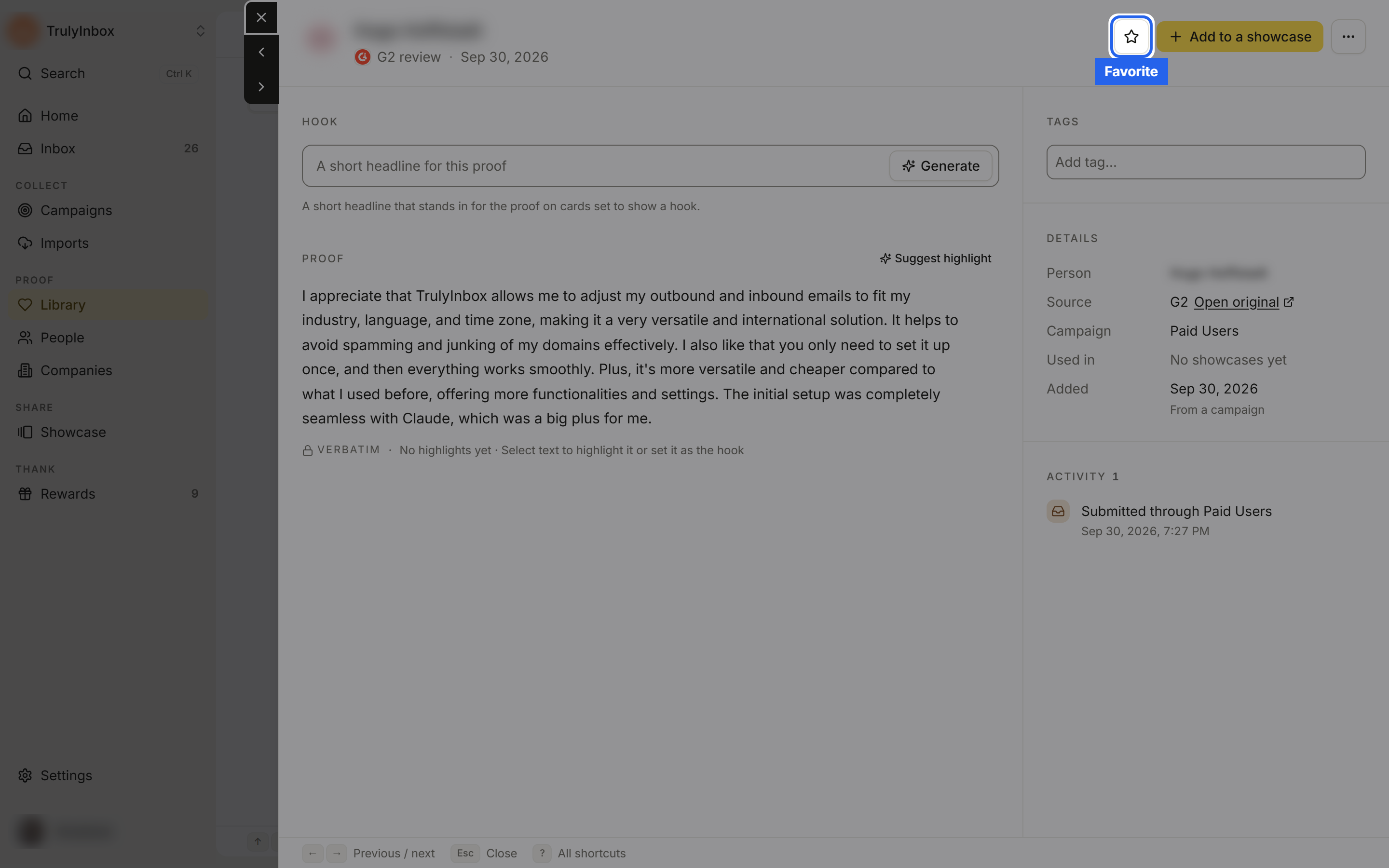
Click the star again to remove it from your favorites. Favorited cards show Favorite in the line under the quote.
You can also type favorite into the tag box. It doesn’t create a tag; it stars the proof instead.
Add tags to a proof
- Open the proof from the Library.
- In the Tags section on the right, click Add tag… and start typing.
- Pick an existing tag from the list (each shows how many proofs use it), or click Create ”…” to make a new one. You can also press
Enteror type a comma.
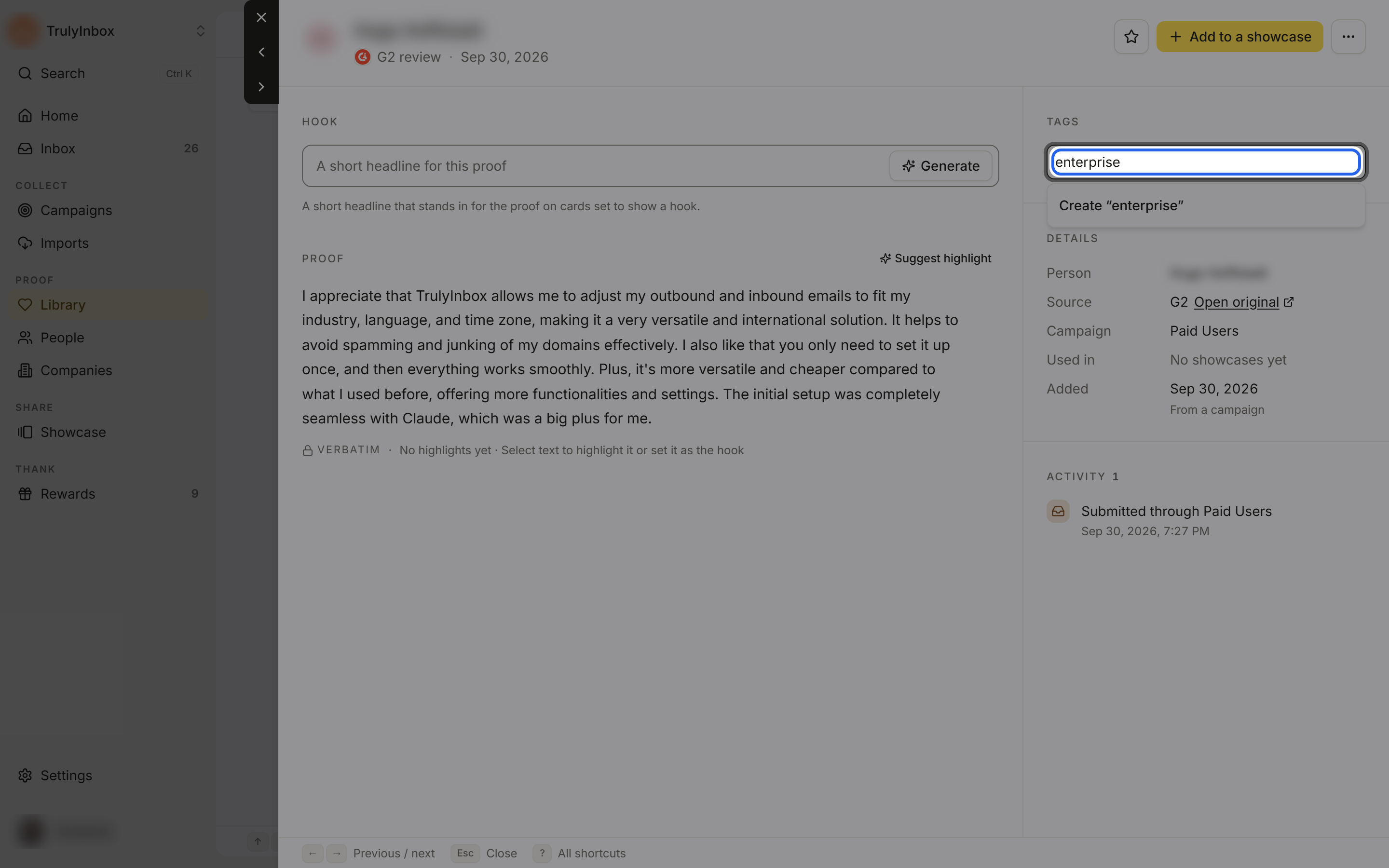
To remove a tag, click the × on it, or press Backspace in the empty tag box to remove the last one.
Tag rules:
- Up to 30 characters, with no commas.
- Up to 20 tags on one proof.
- Tags aren’t case sensitive:
Enterpriseandenterpriseare the same tag.
New tags are shared across your workspace, so teammates see them in the suggestions too.
Tag or favorite many proofs at once
Select several cards in the Library, then use Tags (Add tags… or Remove tags…) or Favorite / Unfavorite in the bar that appears. See Work with many proofs at once.
Find proof by tag or favorite
- Click Favorites in the Library toolbar to show only starred proof.
- Click + Filter > Tags and pick one or more tags. With several tags picked, the Library shows proof that has every selected tag. Pick Untagged to find proof you haven’t labelled yet.

Tags and favorites in showcases
When you add proof to a showcase, you can narrow the list by tags or show only favorites, and an auto-add rule can pull in new proof by tag. See Choose what proof appears in a showcase.
Good to know
- There is no page to rename or delete a tag. To retire one, filter by it, select the proof, and use Tags > Remove tags….
- Proof favorites (the star on proof) are different from sidebar favourites, which pin people, views, campaigns and showcases to your sidebar. See Find your way around.